Salisbury Radio has launched a new service for those who like to keep up to date with news via their Amazon Alexa.
From today you can now use your Alexa-enabled device to keep you abreast with the latest local news from Salisbury Radio just by asking for it.
You just need to enable your device's Salisbury Radio News Flash skill.
There are two ways to do this:
Firstly, say, "Alexa, enable Salisbury Radio News Flash", and Amazon will add our update to your list of news services under Flash Briefing on your Alexa account.
Your second option is to do it manually via the Amazon Alexa App. You can do this by following the instructions below:
Open the Alexa app . Open More and select Settings. Select News, then select My News Channel or Flash Briefing. Select My News Channel and choose your primary news channel for long-form news content. Select Flash Briefing and choose multiple news sources for short updates and top stories. You can find our updated by searching Salisbury Radio News.All you then need to do is say, "Alexa, what's my Flash Briefing" and just like magic, you will get the latest Salisbury Radio local news update.
This is in addition to the usual Salisbury Radio skill that enables you to listen to Salisbury Radio via your Amazon Alexa-enabled devices.
 Community Leader sought to Chair new £20m Pride in Place Neighbourhood Board for Bemerton
 New equipment for Salisbury Shopmobility
 Defeat on the road in Kent leaves the Whites hovering just above the relegation places
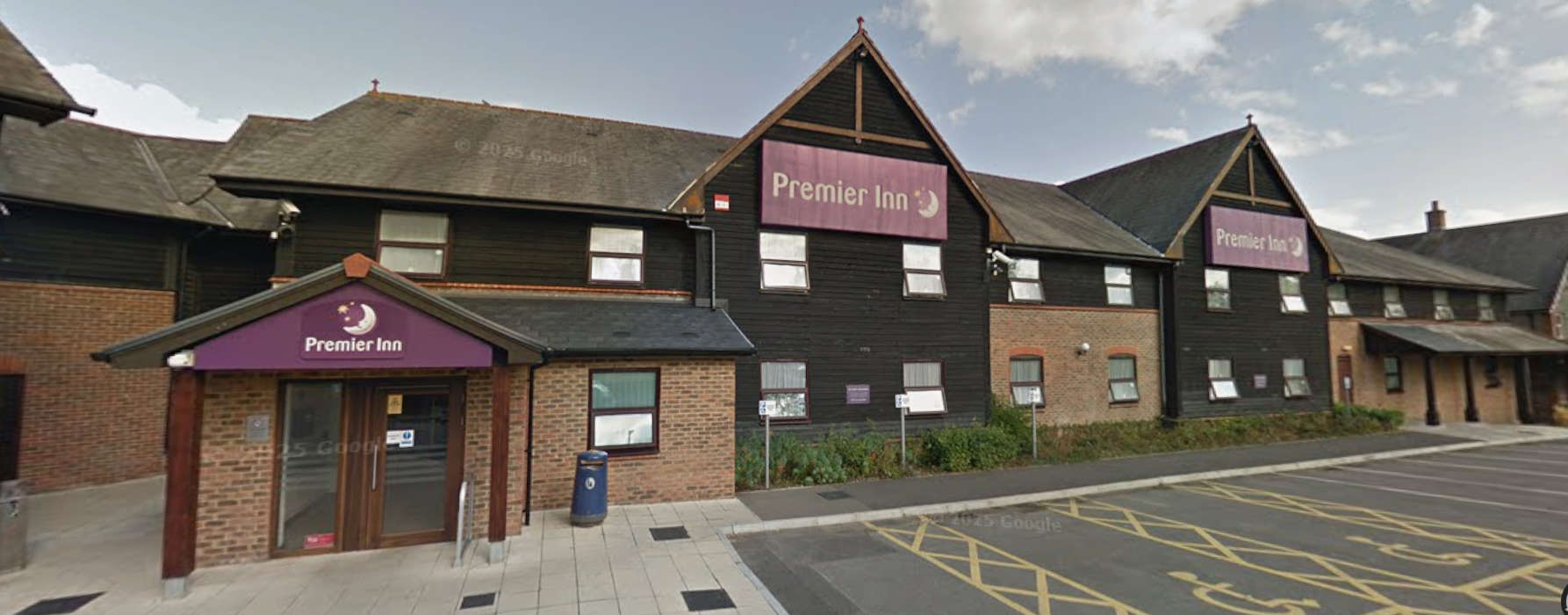 Plans submitted to expand Salisbury hotel
 Salisbury Rugby Club launches player recruitment drive
 Driver banned after Salisbury crash case
 Rise in e bike and scooter fire incidents
 Sunrise services held across Salisbury