Salisbury Radio has launched a new service for those who like to keep up to date with news via their Amazon Alexa.
From today you can now use your Alexa-enabled device to keep you abreast with the latest local news from Salisbury Radio just by asking for it.
You just need to enable your device's Salisbury Radio News Flash skill.
There are two ways to do this:
Firstly, say, "Alexa, enable Salisbury Radio News Flash", and Amazon will add our update to your list of news services under Flash Briefing on your Alexa account.
Your second option is to do it manually via the Amazon Alexa App. You can do this by following the instructions below:
Open the Alexa app . Open More and select Settings. Select News, then select My News Channel or Flash Briefing. Select My News Channel and choose your primary news channel for long-form news content. Select Flash Briefing and choose multiple news sources for short updates and top stories. You can find our updated by searching Salisbury Radio News.All you then need to do is say, "Alexa, what's my Flash Briefing" and just like magic, you will get the latest Salisbury Radio local news update.
This is in addition to the usual Salisbury Radio skill that enables you to listen to Salisbury Radio via your Amazon Alexa-enabled devices.
 Cast Announced for Playhouse Panto - Beauty and the Beast
 Salisbury FC Set to Head to Kuwait for Friendly Match
 Mother and son from Bulford jailed for multiple drug offences
 Salisbury City Council launches budget consultation
 Hundreds Attend Cathedral Pet Blessing Service
 Whites Discover FA Cup Third Qualifying Round Opponents
 Grand Fire Ride supports two charities
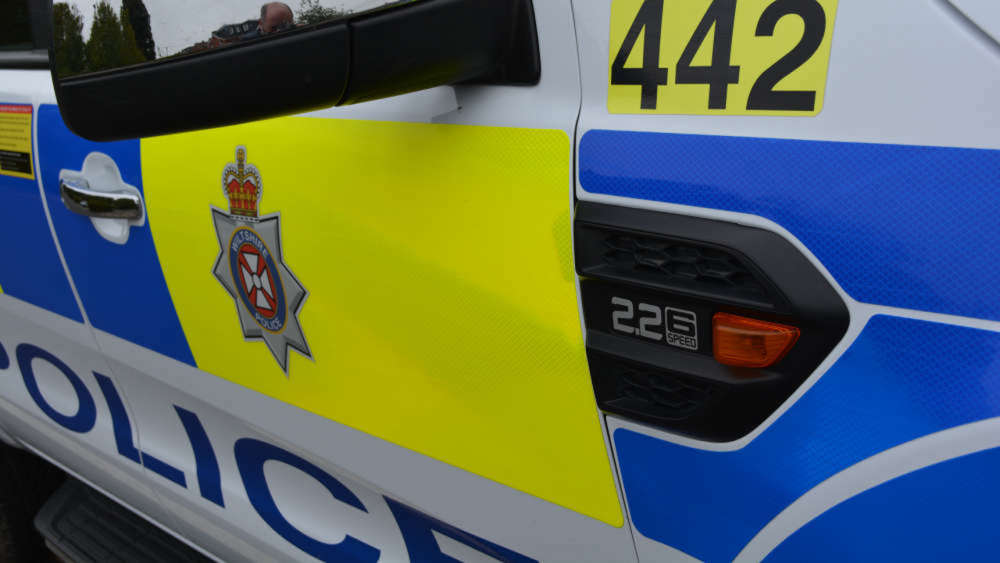 Teenager in life-threatening condition following serious collision in Landford